The best mini printers range from pocket devices for study notes and stickers to compact label makers and travel printers for full-size documents. Choose by print format first, then check device compatibility and whether the required thermal paper or label tape suits your classroom, home or work routine.
Quick Top Products
Phomemo M02 Pro Mini Sticker Printer
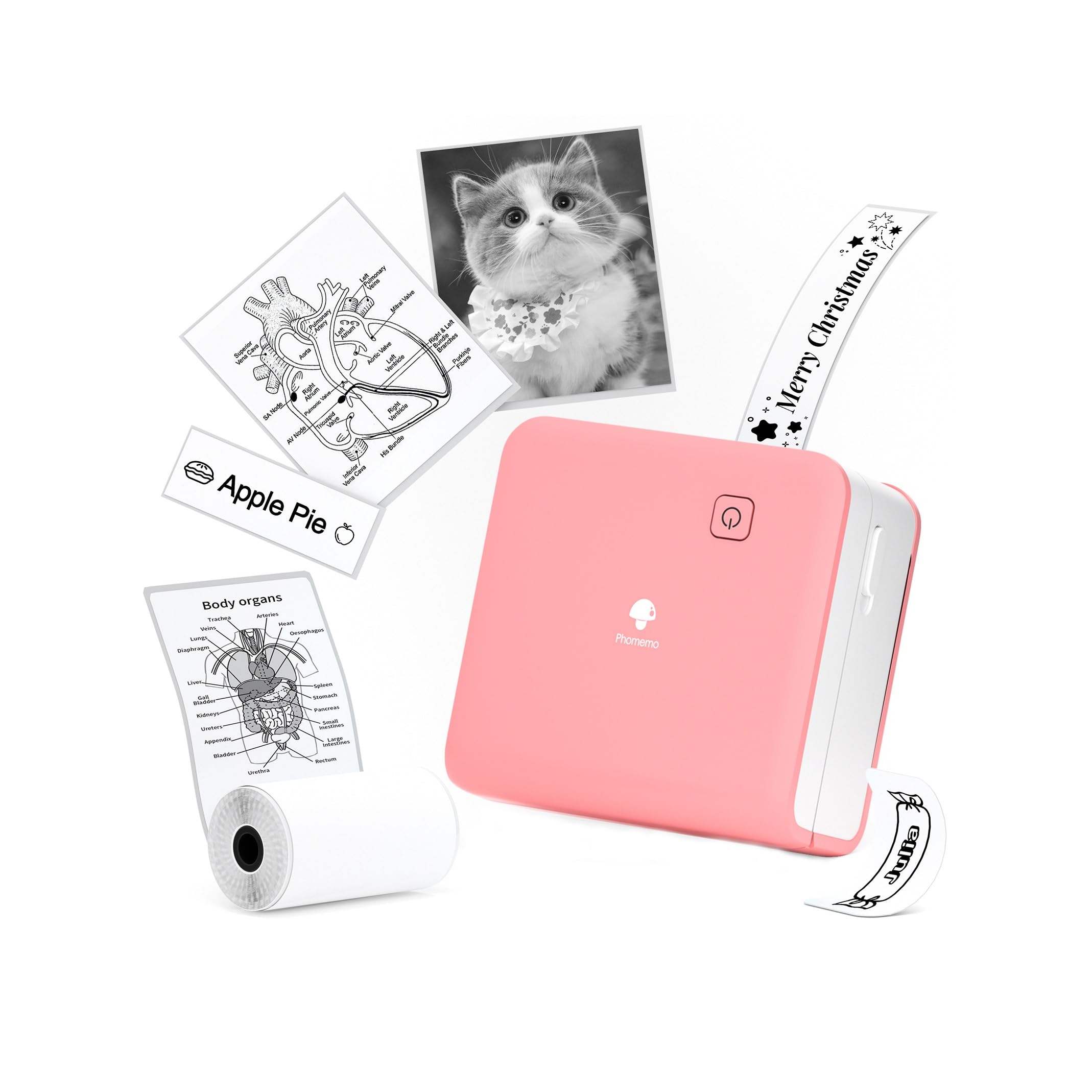
- Prints at 300 DPI without ink, toner or ribbons.
- Supports 15 mm, 25 mm and 53 mm thermal paper or labels.
- Connects to smartphones through Bluetooth and the Phomemo app.
Best For: Students and teachers who want sharper pocket prints on several label widths.

Phomemo D30 Bluetooth Label Maker
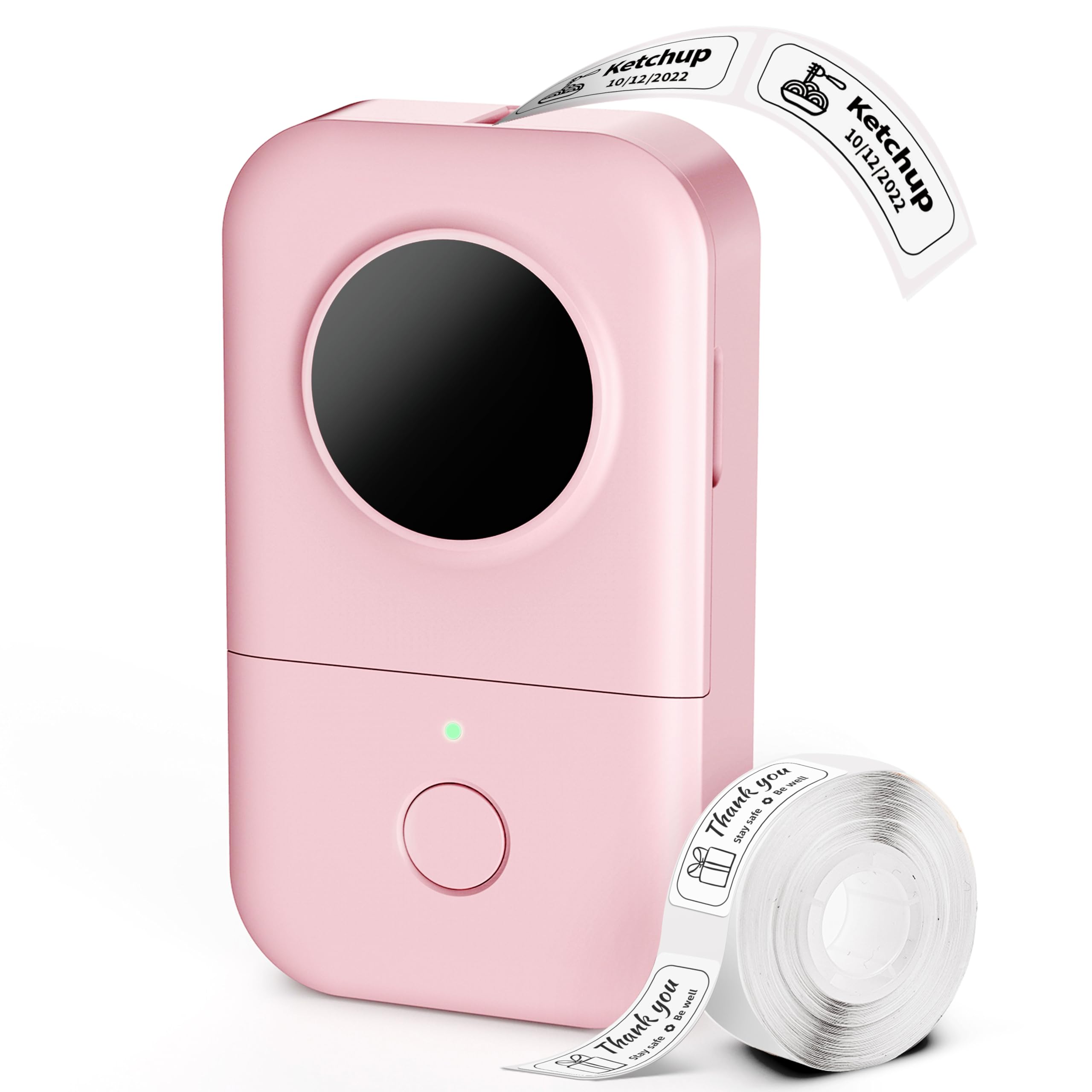
- Works with continuous and gap label tapes.
- The app supports barcode, QR code, Excel import, OCR and voice input.
- A rechargeable battery and compact design support portable use.
Best For: Teachers organizing classroom bins, supplies and student belongings with custom labels.
Nelko PM230 Mini Sticker Printer
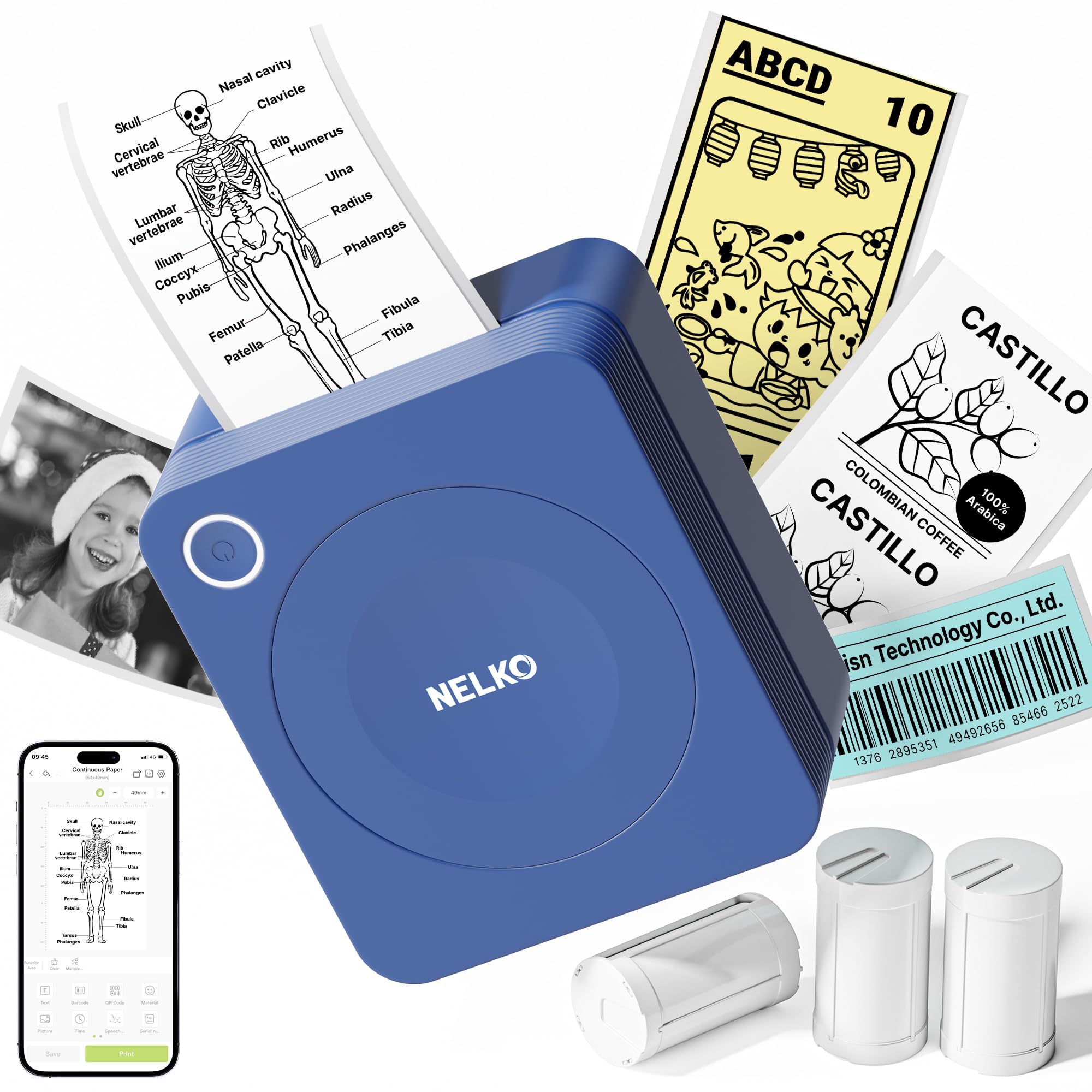
- Includes three rolls of 54 mm white sticker thermal paper.
- The app supports AI printing, OCR and document scanning.
- Connects to iOS and Android phones over Bluetooth.
Best For: Students and teachers who want a pocket printer bundled with starter sticker rolls.
Memoking T02 Mini Sticker Printer
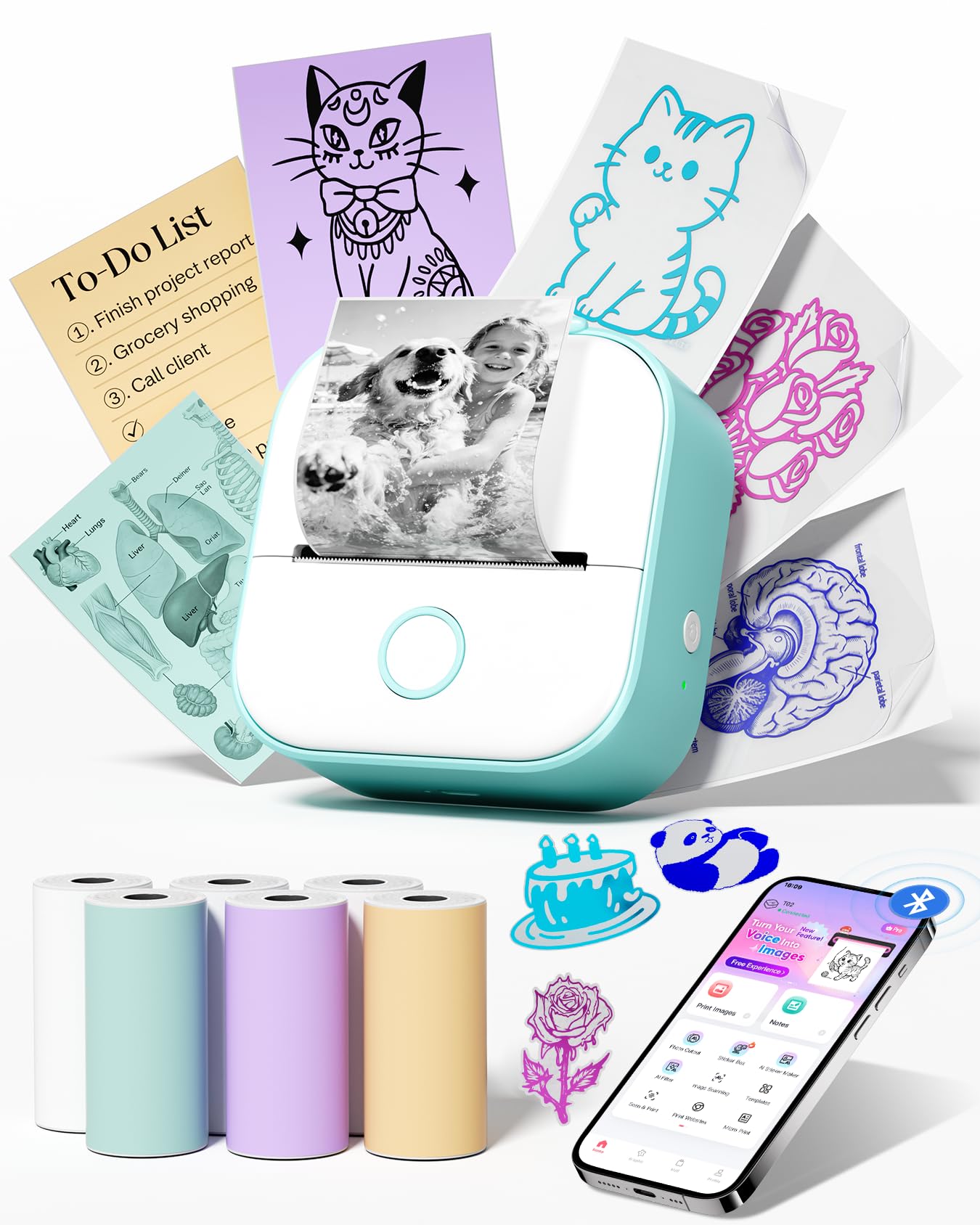
- Comes with six rolls of thermal paper.
- Connects to iOS and Android devices through the app.
- Prints on white thermal paper and supports app features for fonts, filters, and themes.
Best For: Students and families who want a pocket sticker printer with multiple starter rolls.
Phomemo Q302 Portable Thermal Printer
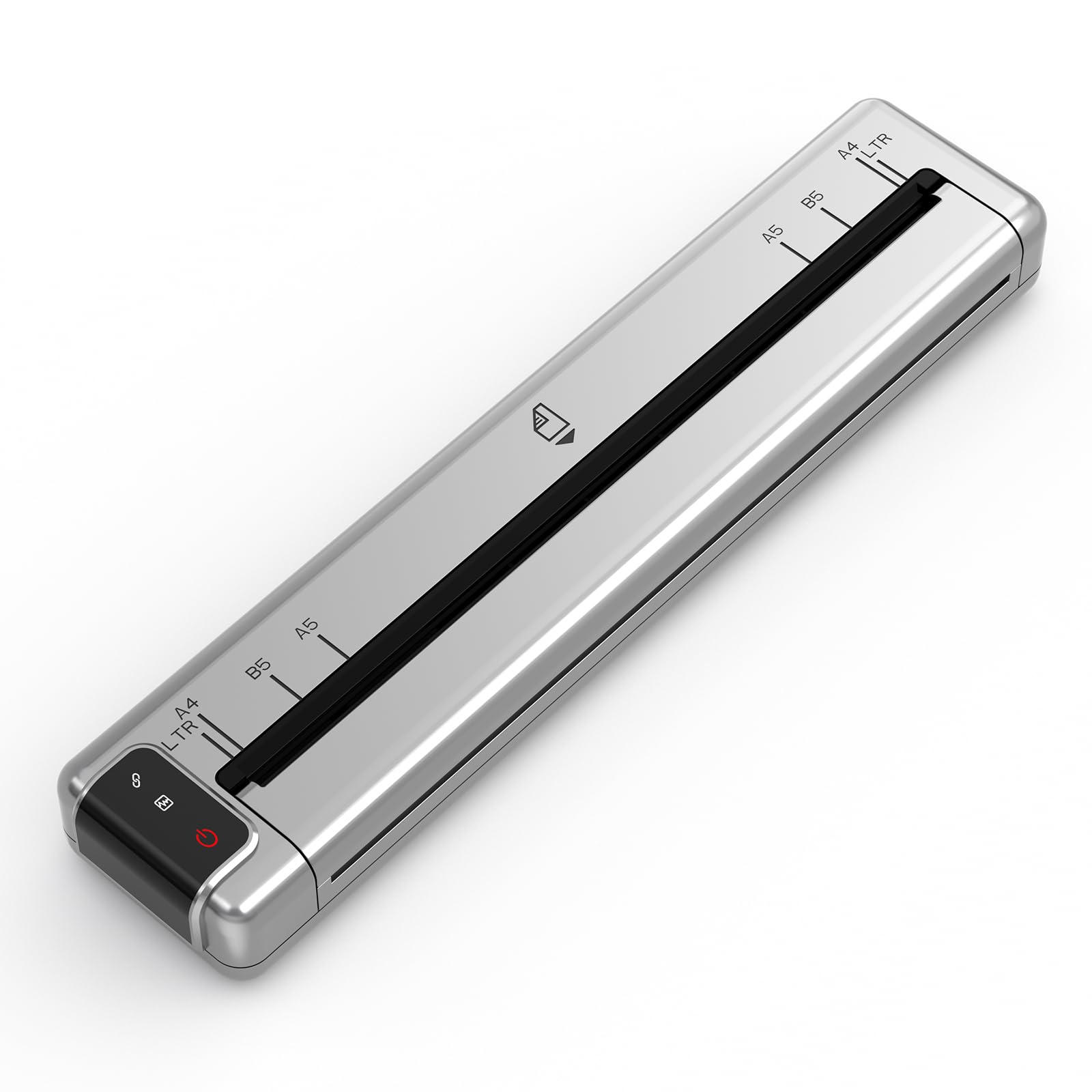
- Supports US Letter, A4, B5 and A5 thermal paper sizes.
- Connects over Bluetooth or Wi-Fi, with USB-C computer connection.
- Includes a velvet pouch and 20 sheets of US Letter thermal paper.
Best For: Travelers and students who need a portable printer for multiple document sizes.
Phomemo M08F Portable Thermal Printer
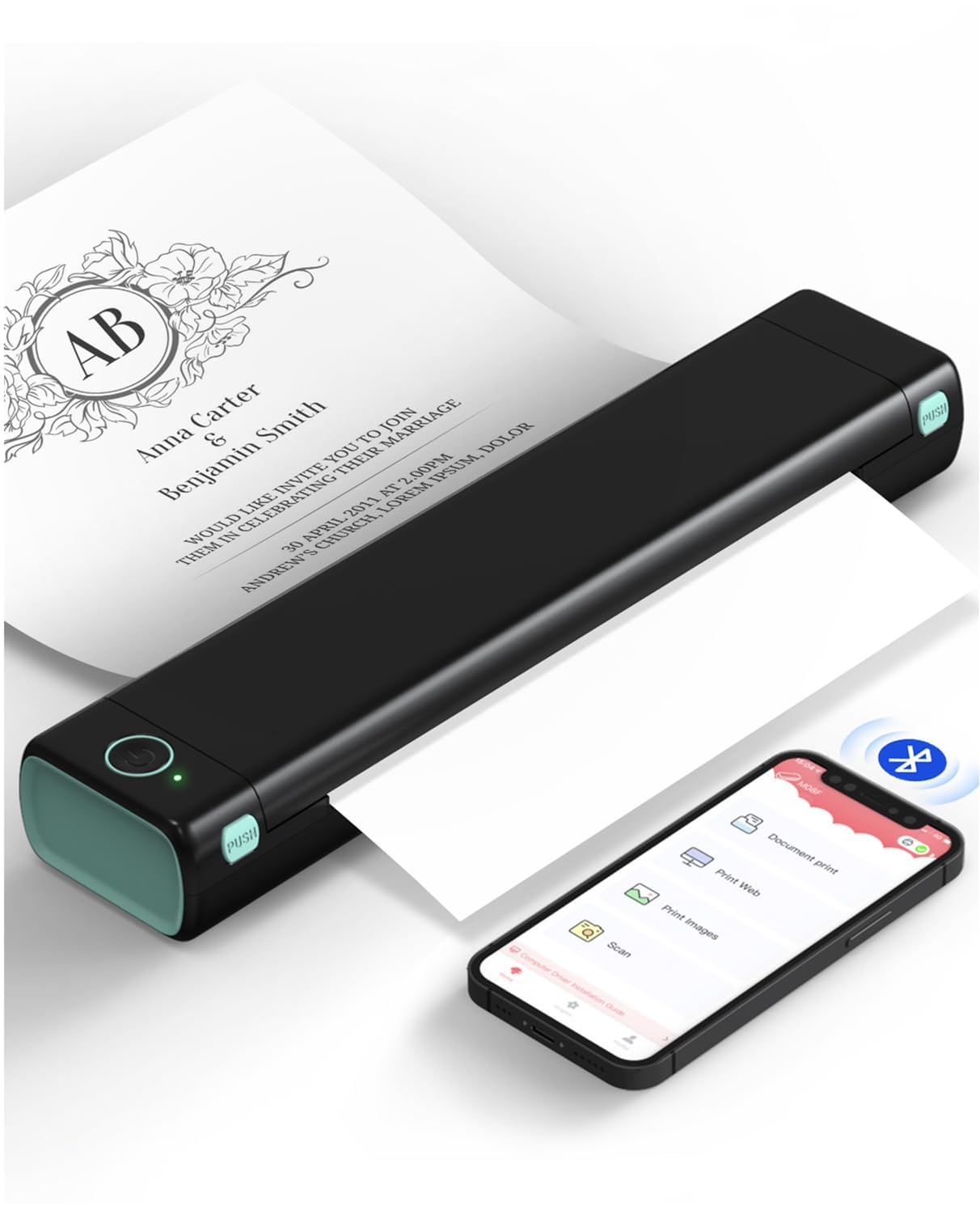
- Supports 8.5 x 11 inch US Letter thermal paper.
- The battery is rated for 140 sheets per charge.
- Phone printing uses the app; computer printing uses USB.
Best For: Mobile workers who need US Letter documents from a phone or computer.
ETIKEZ D90E Portable Thermal Printer
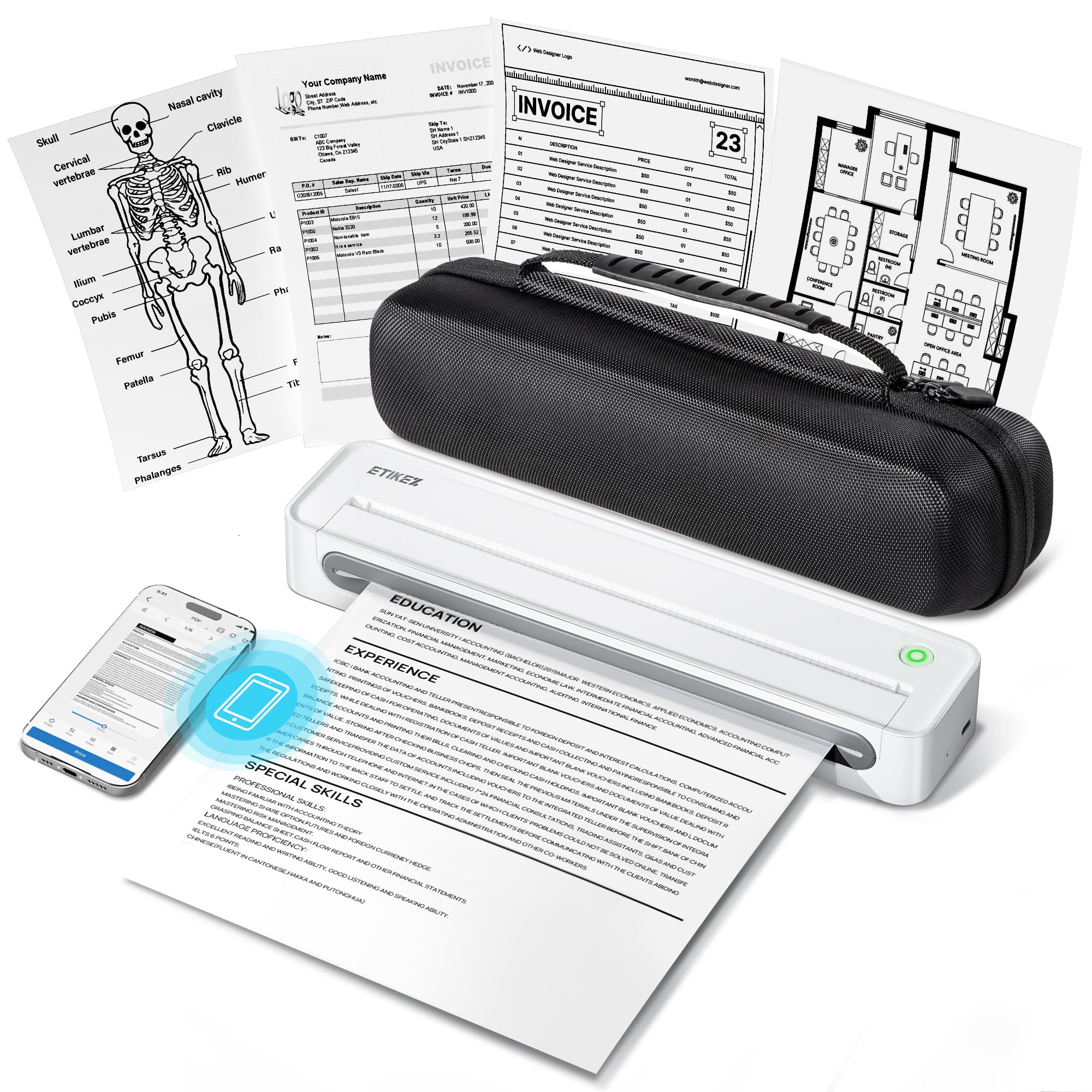
- Supports 8.5 x 11 inch US Letter thermal paper.
- Includes a travel case and ten-sheet starter pack.
- Connects to phones over Bluetooth and PCs over USB.
Best For: Travelers who want Letter-size thermal printing with a protective case and starter paper.
NIIMBOT B1 Bluetooth Label Maker
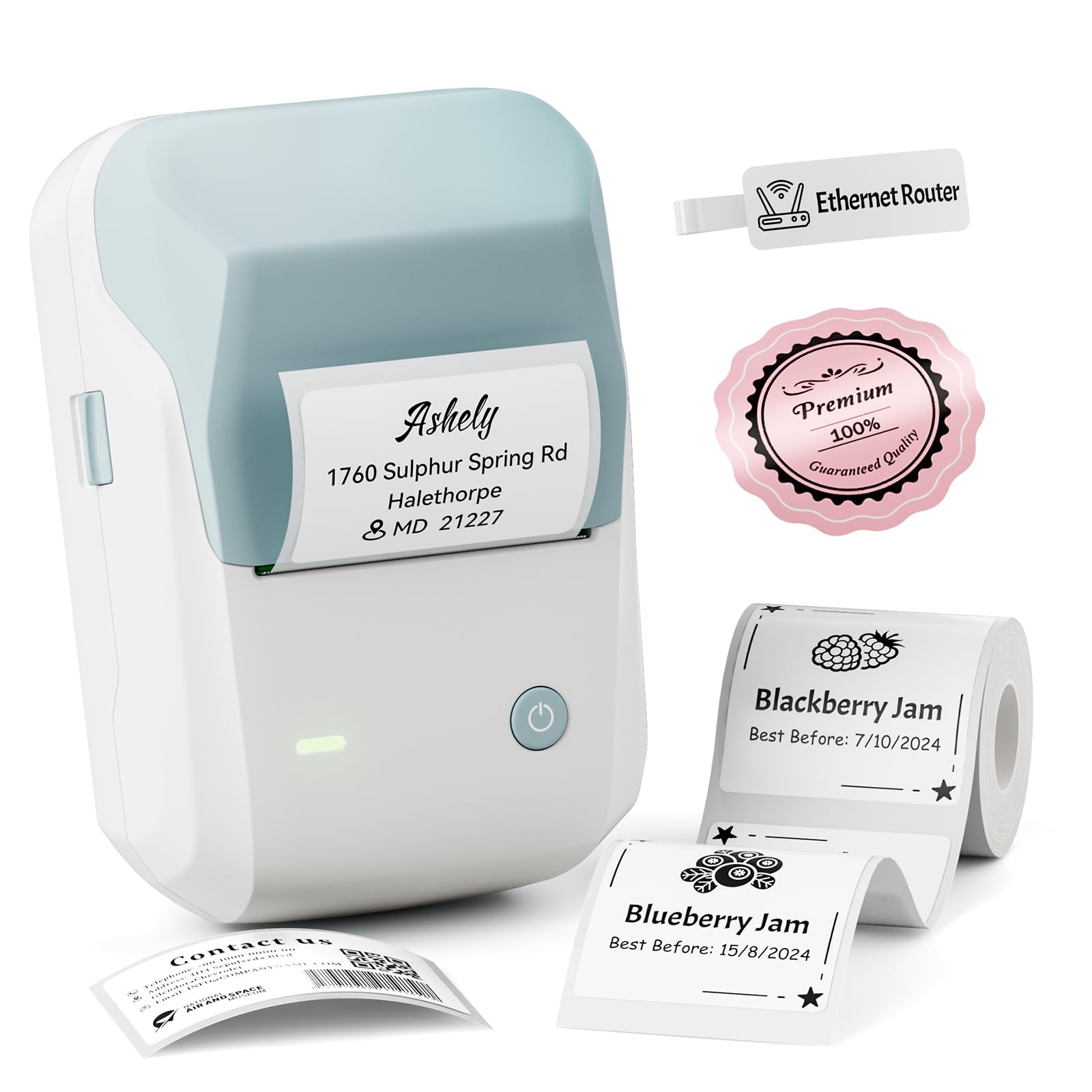
- Supports label widths from 20 to 50 mm.
- App tools include barcodes, QR codes, fonts and symbols.
- Supports phone Bluetooth and PC USB connections.
Best For: Teachers and small businesses that need wider labels, QR codes or product tags.
TATTMUSE A282M Portable Thermal Printer
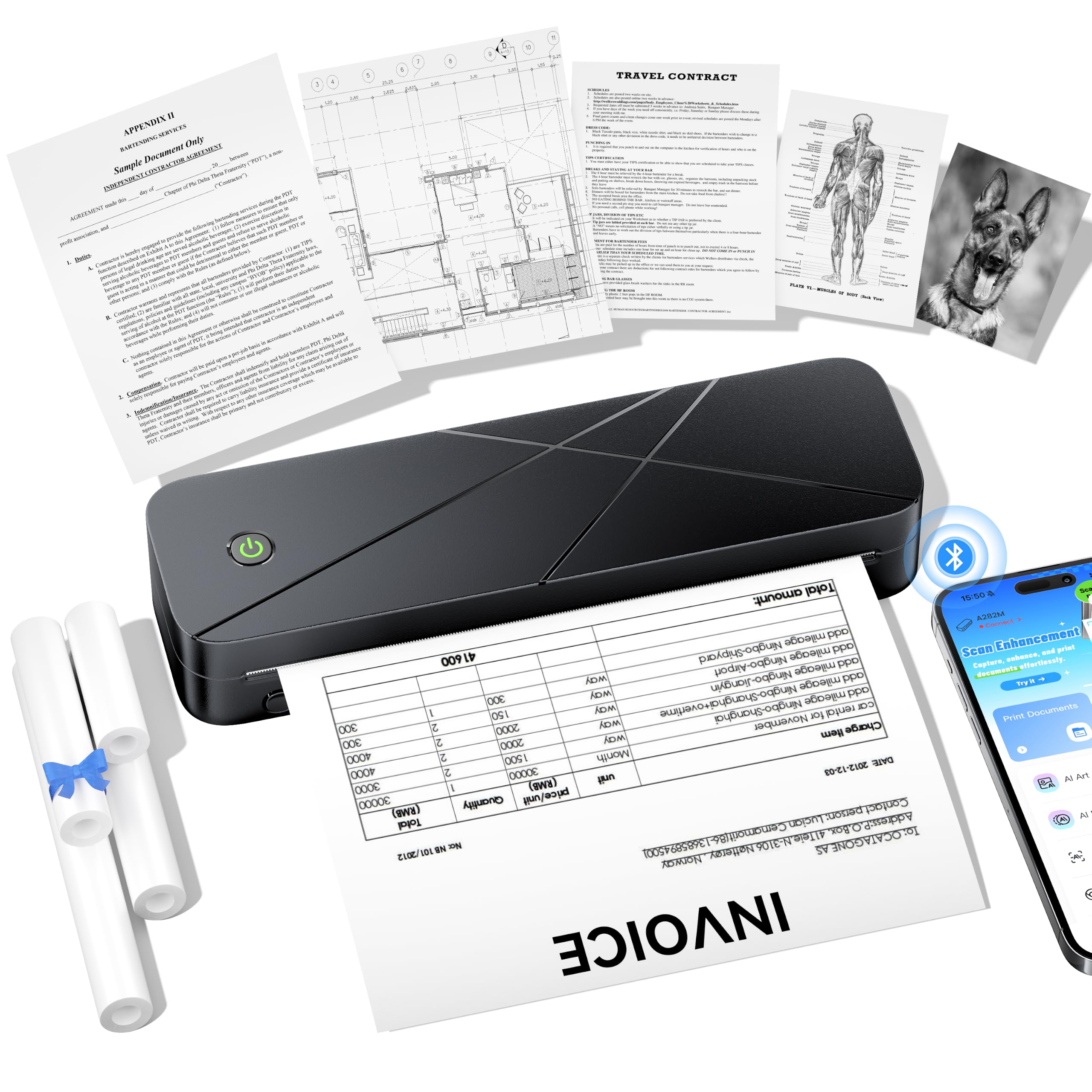
- Supports thermal rolls, continuous forms and single-sheet thermal paper.
- Compatible with phones, tablets, iPads and computers by USB-C.
- Prints at 300 DPI without ink, toner or ribbons.
Best For: Households or offices that want one compact thermal printer for several paper formats.
Phomemo T02 Mini Sticker Printer
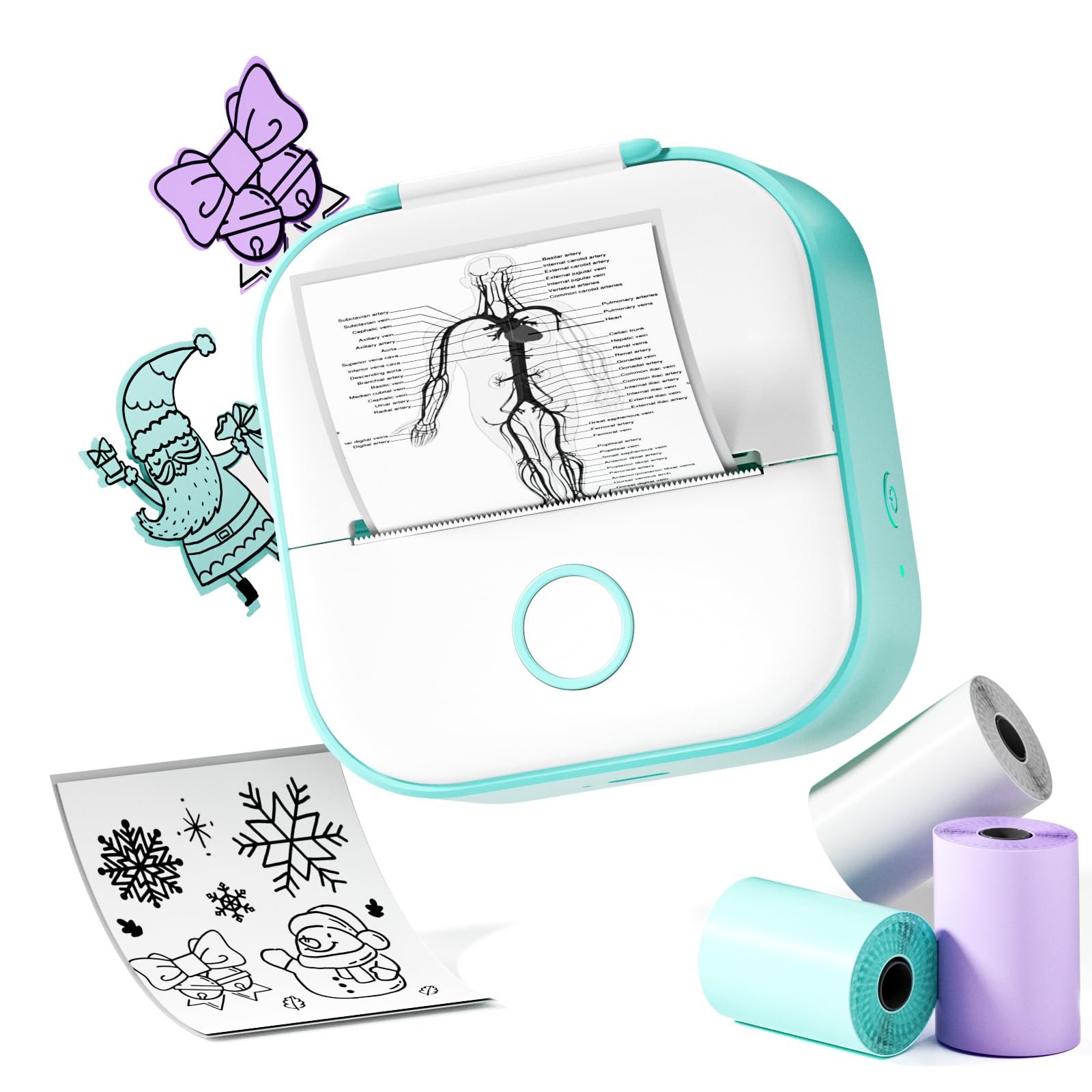
- Uses thermal printing without ink cartridges.
- Connects to a mobile app for editing and personalizing prints.
- Designed for pocket portability at classes and libraries.
Best For: Students who want an uncomplicated pocket printer for notes, photos and sticker designs.
High-Resolution Pocket Prints
Phomemo Mini Sticker Printer - Print Pods M02 Pro 300dpi Mini Pocket Printer, Sticker Printer Maker Thermal Label Machine for Photo Printing, DIYs, Study Notes, Travel, Work and Study, Gift, Pink
The Phomemo M02 Pro is a pocket thermal printer for study notes, small labels and creative prints. Its 300 DPI resolution is a notable fit for text and diagrams, and it works with 15 mm, 25 mm and 53 mm thermal labels or paper rolls.
The printer connects to iOS and Android phones through Bluetooth and uses the Phomemo app for templates, fonts and icons. It prints monochrome without ink, toner or ribbons, so photos and artwork become black-and-white thermal prints.
Its small size suits a bag or pocket, though the three supported widths still require choosing compatible rolls for each task.
Best For: Students and teachers who want sharper pocket prints on several label widths.
| Pros | Cons |
|---|---|
|
|
Choose the M02 Pro if print detail and media flexibility matter more than full-page output. The 300 DPI rating and three compatible widths make it adaptable for study cards, labels and small creative projects.
It remains a monochrome thermal printer, so it will not produce color prints. Before buying, decide which roll width you expect to use most and check what paper is included, since the product facts do not give a roll count.
Classroom Label Templates
Phomemo Label Maker, D30 Label Maker Machine with Tape, Mini Bluetooth Label Makers, Small Portable Thermal Label Printer, Sticker Maker for School Classroom Teacher Home Kitchen Office Supplies
The Phomemo D30 is a dedicated label maker for classroom and home organization rather than a general photo printer. It works with continuous and gap label tapes, and its app offers templates alongside barcode, QR code, Excel import, OCR and voice-input features.
The product notes also describe a large library of icons, borders and templates, which can help teachers create labels for cubbies, bookcases, baskets and supply cabinets. It connects to mobile devices over Bluetooth and has a rechargeable battery.
Printing is thermal and monochrome, so colored label effects depend on using compatible patterned or colored tape.
Best For: Teachers organizing classroom bins, supplies and student belongings with custom labels.
| Pros | Cons |
|---|---|
|
|
Pick the D30 for classroom organization when labels are the main job. Its app tools and tape types offer more label-making flexibility than a pocket printer aimed at notes or photos.
The key tradeoff is its narrow purpose: it is not a Letter-size document printer, and the output remains black text. Check the available tape widths and whether the preferred patterned or colored consumables are easy to source before settling on it for a specific labeling system.
Study Sticker Starter Kit
Nelko Sticker Printer, PM230 Print Pod Mini Bluetooth Portabel Sticker Maker with 3 Rolls Paper, Print Pods with Multiple Templates for Phone & Tablet, Smart AI APP Family, Blue
The Nelko PM230 is a compact sticker printer aimed at study materials, classroom diagrams and small creative prints. It comes with three rolls of 54 mm white sticker thermal paper, and output can be cut into custom shapes with scissors.
Its app supports AI printing, OCR and document scanning, which suits flashcards, notes and scanned study graphics. The printer connects to iOS and Android phones through Bluetooth, but it does not support computer printing.
It prints in black and white, and the package does not include a charging adapter, so plan around phone-based use and the required charging setup.
Best For: Students and teachers who want a pocket printer bundled with starter sticker rolls.
| Pros | Cons |
|---|---|
|
|
Choose the PM230 if a starter supply of sticker paper and phone-based scanning are useful for schoolwork. The 54 mm rolls give it a defined media format, while scissor trimming allows custom sticker shapes.
Its app and paper bundle favor study aids over office documents, and the lack of computer printing is a clear limitation for laptop workflows. Confirm that monochrome prints and the included paper width fit your intended classroom materials.
Six-Roll Student Print Bundle
Memoking Mini Sticker Printer Box T02 Mini Printer - AI Sticker Maker for Kids, Print Pod Bluetooth Mini Thermal Printer Gift for Teen Girls & Boys, for Study Note, Journal, Photos, DIY, Gift, 6 Rolls
This Memoking T02 combines a pocket thermal printer with six rolls of paper, making it a ready-to-use option for notes, study graphics and small stickers. It pairs with iOS and Android devices through the Phomemo app, with Bluetooth connection handled in the app.
The printer supports sticky and non-sticky white paper as well as color and clear transparent sticker paper, while the printed image itself is monochrome. Its palm-size format makes it easy to carry for class or journaling.
It does not support computer printing, so choose it for phone-based printing rather than a laptop-centered setup.
Best For: Students and families who want a pocket sticker printer with multiple starter rolls.
| Pros | Cons |
|---|---|
|
|
This T02 bundle makes sense when you want several rolls included and plan to print from a phone or tablet. The supported paper choices can change the look of the sticker surface, but the printer output is still monochrome.
That distinction matters for students expecting color photos or diagrams. Before buying, check the included paper types in the package and whether app-only Bluetooth use fits the devices available at home or school.
Quiet Multi-Size Travel Printer
Phomemo Ultra-Light Q302 Portable Printer, Wireless Inkless Thermal, WiFi Bluetooth for US Letter/A4/A5/B5 Thermal Paper, Compact Printer, Compatible with Android iOS Phone & Laptop
The Phomemo Q302 is a small portable thermal printer for documents rather than the sticker-focused pocket format. It supports several thermal paper sizes, including US Letter, A4, B5 and A5, and connects through Bluetooth or Wi-Fi to a phone app.
A USB-C connection supports computer printing after driver installation. The device prints at 300 DPI without ink, and the notes specify a noise level below 55 dB.
Its package includes a velvet pouch and 20 sheets of US Letter thermal paper. The main tradeoff is the need for thermal paper, which differs from ordinary copy paper.
Best For: Travelers and students who need a portable printer for multiple document sizes.
| Pros | Cons |
|---|---|
|
|
Choose the Q302 if your idea of a mini printer includes a portable way to print full-size documents. It supports more paper formats and computer connectivity than the label and sticker models here, and includes a pouch and starter sheets.
It is still limited to thermal media, so ordinary copy paper is not suitable. Check the thermal paper format you use most and whether you need the stated USB-C computer workflow before choosing it over a pocket sticker printer.
Letter-Size Printing on the Go
Phomemo Portable Printers Wireless for Travel, M08F Thermal Bluetooth Printer Support for 8.5"x11" US Letter, Small Inkless Printer Compatible with iOS, Android, Laptop for Car, Office, Home
The Phomemo M08F brings US Letter document printing into a portable thermal format. It connects to iOS and Android through the Phomemo app and can print from a computer over USB after driver installation.
The notes say its rechargeable battery can print 140 sheets of 8.5 x 11 thermal paper per charge, and the printer weighs 1.5 lb. It prints monochrome without ink, toner or ribbons, but requires thermal paper rather than ordinary copy paper.
This is a better fit for contracts, invoices and travel documents than for small classroom stickers or labels.
Best For: Mobile workers who need US Letter documents from a phone or computer.
| Pros | Cons |
|---|---|
|
|
The M08F suits someone who needs ordinary document dimensions while away from a desk. Its 140-sheet battery figure and phone or USB workflows are more relevant to travel paperwork than to a classroom label task.
The tradeoff is consumable specificity: it needs thermal paper, and computer use requires a wired connection plus driver setup. Check the ongoing availability and cost of the exact thermal sheets before choosing a portable Letter printer.
Travel Case and Starter Sheets Included
Portable Printers Wireless for Travel, D90E Bluetooth Inkless Thermal Printer, Supports 8.5" X 11" Thermal Paper, Mobile Printer for Phone Laptop with Case & 10 Papers, for Home Office, White
The ETIKEZ D90E is a portable document printer bundled with a travel case and ten thermal sheets. It supports 8.5 x 11 inch US Letter thermal paper and connects to iPhones or Android devices over Bluetooth.
A USB connection serves PC printing after driver installation. The printer is monochrome and inkless, and the notes give its weight as 1.09 lb.
It does not accept ordinary copy paper, and it is not compatible with Chromebooks. That combination makes it useful for mobile paperwork when the computer or phone workflow matches your setup.
Best For: Travelers who want Letter-size thermal printing with a protective case and starter paper.
| Pros | Cons |
|---|---|
|
|
Pick the D90E if a case and starter sheets are useful for mobile document printing. It handles Letter thermal paper and offers phone Bluetooth plus USB for a PC, while its Chromebook incompatibility narrows the audience.
The tradeoff against pocket sticker printers is size and paper format: this is for documents, not small stickers. Confirm your computer type and source of thermal paper before relying on it for school or travel paperwork.
Wider Classroom and Product Labels
NIIMBOT Label Maker Machine with Tape, B1 Bluetooth Label Printer, 2 Inch Large Waterproof Label, Inkless Thermal Label Maker for Kids School Items, Classroom Teacher, Light Blue
The NIIMBOT B1 is a rechargeable Bluetooth label maker built for labels wider than narrow handheld tape formats. It supports widths from 20 to 50 mm and can create classroom name tags, feedback labels, food-container labels and small-business product details.
Its app includes fonts, borders, symbols, barcodes and QR codes. The printer also connects to a PC by USB with a driver, unlike phone-only models.
It prints thermally without ink or toner, and compatible label tapes come in several shapes and styles. Check tape compatibility and width for your intended label before buying.
Best For: Teachers and small businesses that need wider labels, QR codes or product tags.
| Pros | Cons |
|---|---|
|
|
Choose the B1 when classroom or product labels need more width and app-generated codes, or when PC USB access matters. It supports a range of label widths and includes both mobile and computer connection paths.
It remains a label printer rather than a general page printer, and the notes specifically exclude iPads. Check the required tape shape and width, then confirm the device you plan to use can connect.
Multiple Thermal Paper Formats
TATTMUSE A282M Inkless Thermal Portable Printer for Travel, 8.5 x 11 | Wireless Bluetooth Mobile Small Compact Printer for Travel & Office & Home Use Compatible with Phone, Tablet & Laptop
The TATTMUSE A282M is a 1.5 lb portable thermal printer with a built-in paper tray that supports thermal rolls, continuous forms and single-sheet thermal paper. It accommodates five standard thermal paper sizes, which can be useful for documents, study notes, photos or boarding passes.
Phones, tablets and iPads connect over Bluetooth, while computers use USB-C after driver installation. Its app handles common document and image files and supports batch printing and collage creation.
The product notes give a 300 DPI print resolution. It uses thermal media, so check which formats are available for the jobs you expect to print.
Best For: Households or offices that want one compact thermal printer for several paper formats.
| Pros | Cons |
|---|---|
|
|
The A282M fits shared home or office use when multiple thermal formats are more useful than a pocket label device. Its paper tray, file support and Bluetooth or USB-C connections give it a broader document role than the mini sticker models.
The tradeoff is that the flexibility still depends on finding the compatible thermal media, and computer printing needs setup. Check the supported five sizes and the exact paper types before deciding it covers your regular jobs.
Simple Pocket Printer for Students
Phomemo Mini Sticker Printer- Sticker Maker Machine T02, Print Pods Mini Thermal Printer Bluetooth Pocket Label Maker Inkless for DIY Printing, Study Notes, Photos, Memos, Kids/Students Green
The Phomemo T02 is a pocket thermal printer for students who want to print notes, text, photos and sticker designs from a mobile app. It connects through Bluetooth and uses the Phomemo app for editing and personalizing prints.
Thermal printing avoids ink cartridges, and the compact form suits classes, libraries or other places where a larger printer is inconvenient. The supplied facts emphasize monochrome output and do not identify a paper roll count or paper widths.
That makes it a straightforward portable choice for small prints, but buyers should check consumable details and remember it is not a full-page document printer.
Best For: Students who want an uncomplicated pocket printer for notes, photos and sticker designs.
| Pros | Cons |
|---|---|
|
|
Choose this T02 if portability and simple phone-based creative printing matter more than a large feature set. The notes support student use and app editing, but provide fewer concrete details about included consumables and computer compatibility than some other mini printers in this roundup.
Check paper availability and roll format before buying, especially if you expect to print regularly. Its role is small monochrome notes and stickers, not office document output.
How to Choose Mini Printers
How We Picked Mini Printers
This roundup includes pocket sticker printers, dedicated label makers and compact document printers because each serves a different kind of small-space printing. Classroom readers may need study notes, flashcards or bin labels, while mobile workers may need contracts and forms on Letter-size thermal paper.
We prioritized candidates with a clear mini or portable format and a defined use for notes, labels, stickers or travel documents. To avoid filling the list with near-identical color offers, the selections represent distinct product models and workflows.
The key checks are media type, print format, device compatibility, included consumables and whether computer printing is supported.
Comparing Mini Printers by Print Format
Start with the output size. Pocket models such as the Phomemo M02 Pro and T02 and the Memoking T02 create small monochrome prints on thermal rolls or sticker paper.
The D30 and NIIMBOT B1 focus on label tape, with the B1 supporting wider label formats and USB computer connection.
Portable document models such as the Phomemo Q302, M08F, ETIKEZ D90E and TATTMUSE A282M handle larger thermal sheets. The Q302 spans several sheet sizes, while the M08F and D90E are centered on US Letter.
The A282M accommodates multiple thermal media types. The coordinator's comparison table below captures these differences; use it to match the device to your regular output rather than choosing by the word mini alone.
| Product | Standout features | Best for |
|---|---|---|
| Phomemo M02 Pro Mini Sticker PrinterCheck Price |
| Students and teachers who want sharper pocket prints on several label widths. |
| Phomemo D30 Bluetooth Label MakerCheck Price |
| Teachers organizing classroom bins, supplies and student belongings with custom labels. |
| Nelko PM230 Mini Sticker PrinterCheck Price |
| Students and teachers who want a pocket printer bundled with starter sticker rolls. |
| Memoking T02 Mini Sticker PrinterCheck Price |
| Students and families who want a pocket sticker printer with multiple starter rolls. |
| Phomemo Q302 Portable Thermal PrinterCheck Price |
| Travelers and students who need a portable printer for multiple document sizes. |
| Phomemo M08F Portable Thermal PrinterCheck Price |
| Mobile workers who need US Letter documents from a phone or computer. |
| ETIKEZ D90E Portable Thermal PrinterCheck Price |
| Travelers who want Letter-size thermal printing with a protective case and starter paper. |
| NIIMBOT B1 Bluetooth Label MakerCheck Price |
| Teachers and small businesses that need wider labels, QR codes or product tags. |
| TATTMUSE A282M Portable Thermal PrinterCheck Price |
| Households or offices that want one compact thermal printer for several paper formats. |
| Phomemo T02 Mini Sticker PrinterCheck Price |
| Students who want an uncomplicated pocket printer for notes, photos and sticker designs. |
Choosing a Classroom Sticker or Label Printer
For study graphics, flashcards and journal stickers, look at paper width, included rolls and app tools. The Nelko PM230 includes three 54 mm sticker rolls and offers scanning and OCR.
The Memoking six-roll T02 bundle offers more starter rolls, while the M02 Pro offers several supported widths and a stated 300 DPI resolution. These are monochrome thermal printers, so colored paper can change the sticker background without making the printed image full color.
For classroom bins, folders, cables or student belongings, choose a dedicated label maker. The Phomemo D30 works with continuous and gap tapes, and the NIIMBOT B1 supports widths from 20 to 50 mm plus barcode and QR code creation.
Check the exact compatible tape style before buying, since labels are only useful when the size and shape fit the classroom item.
Paper, Devices and Everyday Setup
Thermal printing avoids ink cartridges, but it requires compatible thermal paper or label tape. The Phomemo M08F, D90E, Q302 and A282M are document printers that do not use ordinary copy paper.
Sticker models also depend on their compatible rolls; consider both replacement supply and the included starter amount.
Check how each printer connects. Many pocket options use a phone app over Bluetooth, while the document models may add Wi-Fi or USB computer printing.
The Memoking T02 offers app-based phone printing and no computer support. The M08F and D90E require USB and driver setup for computer workflows.
The NIIMBOT B1 also supports PC connection over USB, while the D30's notes focus on mobile Bluetooth use. Confirm compatibility with the actual phone, tablet or computer you plan to use.
Which Mini Printer Fits Your Workday?
Choose a pocket sticker printer if you mainly need small monochrome study notes, diagrams, labels or creative prints away from a desk. Pick the M02 Pro for its stated 300 DPI output and multiple roll widths, the PM230 for included sticker rolls and scan tools, or a T02 bundle when included paper quantity is a priority.
Choose the D30 or B1 when labeling classroom supplies and storage is the main job; the B1 adds wider tape support and a USB computer option. For contracts, forms or full-page documents, compare the Q302, M08F, D90E and A282M by supported thermal formats, included paper and connection method.
In every case, confirm the consumable type and device workflow before committing to a printer for daily classroom or work use.