This TP Link AXE5400 review looks at the TP-Link Archer AXE75, a tri-band Wi-Fi 6E router built around a 6 GHz band and features for busy connected homes.
Archer AXE75 Review Summary
The quick verdict

5,000+ ratings
Read Amazon ReviewsTP-Link Archer AXE75
A tri-band Wi-Fi 6E router for households that want a 6 GHz band, VPN options, and OneMesh expansion, with a modem required for most providers.
- Tri-band Wi-Fi 6E with 6 GHz, 5 GHz, and 2.4 GHz bands.
- Advertised Wi-Fi rates are up to 5400 Mbps total: 2402 Mbps on 6 GHz, 2402 Mbps on 5 GHz, and 574 Mbps on 2.4 GHz.
- OFDMA and tri-band operation are intended to increase capacity for simultaneous device transmissions.
- OneMesh support works with a TP-Link OneMesh extender to create a mesh network.

Pros
- Tri-band Wi-Fi 6E includes the 6 GHz band alongside 5 GHz and 2.4 GHz.
- OFDMA is paired with tri-band operation to support simultaneous transmissions to more devices.
Consider before buying
- Most provider setups require a separate modem, which adds equipment to the installation.
- OneMesh expansion depends on adding a TP-Link OneMesh extender, so plan for that extra component if a broader mesh setup is needed.
Read the full review summary
The Archer AXE75 is aimed at homes that want three Wi-Fi bands, including 6 GHz, for browsing, streaming, gaming, and downloads.
Its listed band rates are up to 2402 Mbps on both 6 GHz and 5 GHz, plus 574 Mbps on 2.4 GHz; treat those figures as a combined feature picture rather than a promise of any individual device's real-world speed.
It also brings OFDMA capacity features, OneMesh extender support, VPN server and client options, and HomeShield network tools.
The fit is strongest when those capabilities matter more than a newer Wi-Fi generation or a clearly stated multi-gigabit LAN layout.
The buying factors
Archer AXE75 Scorecard
Editorial scores reflect listed features and buyer fit; they are not laboratory measurements or customer ratings.
Wi-Fi band flexibility
Three bands, including 6 GHz, give buyers more options to connect compatible devices and spread network activity.
Advertised aggregate Wi-Fi rate
The up-to 5400 Mbps headline is backed by separate band figures, but these are not guaranteed single-device speeds.
Multi-device capacity features
OFDMA and tri-band operation are designed to increase capacity for simultaneous transmissions.
Mesh expansion
OneMesh support provides an expansion path when paired with a TP-Link OneMesh extender.
Network management and protection
HomeShield includes basic network security, parental controls, quality of service, and periodic reports, while premium service details require separate consideration.
Setup prerequisites
It works with a range of providers, but most setups require a separate modem, so buyers should account for that equipment.
Key Features and Specifications of Archer AXE75
- Tri-band Wi-Fi 6E with 6 GHz, 5 GHz, and 2.4 GHz bands.
- Advertised Wi-Fi rates are up to 5400 Mbps total: 2402 Mbps on 6 GHz, 2402 Mbps on 5 GHz, and 574 Mbps on 2.4 GHz.
- OFDMA and tri-band operation are intended to increase capacity for simultaneous device transmissions.
- OneMesh support works with a TP-Link OneMesh extender to create a mesh network.
- VPN server and client support includes OpenVPN, PPTP, and L2TP.
- HomeShield free features include a security scan, IoT device identification, basic parental controls, quality of service, and weekly or monthly reports.
- Most internet service providers require a separate modem for setup.
Pros and Cons of Archer AXE75
Pros
- Tri-band Wi-Fi 6E includes the 6 GHz band alongside 5 GHz and 2.4 GHz.
- OFDMA is paired with tri-band operation to support simultaneous transmissions to more devices.
- OneMesh can extend coverage when paired with a compatible TP-Link OneMesh extender.
- VPN server and client options are built into the router feature set.
Consider before buying
- Most provider setups require a separate modem, which adds equipment to the installation.
- The product material does not give a clear multi-gigabit LAN port layout, so buyers with faster wired devices should confirm port needs before choosing.
- OneMesh expansion depends on adding a TP-Link OneMesh extender, so plan for that extra component if a broader mesh setup is needed.
Who Should Buy Archer AXE75?
Good fit
Choose the Archer AXE75 if you want Wi-Fi 6E with a dedicated 6 GHz band and expect to connect a mix of newer and older wireless devices.
Its three advertised band rates give a useful overview of its design, though actual throughput depends on the client and environment.
It also makes sense for buyers who value VPN server and client functions or plan to extend coverage through OneMesh. Check whether your ISP setup already includes a modem, since most providers require one separately.
Who should skip it
For Wi-Fi 6E, the 6 GHz band adds bandwidth and supports more responsive gaming and video chatting; check whether the 2.5Gbps WAN port fits your wired devices and setup.
Archer AXE75 Review Analysis
Three bands and the 6 GHz option
The three-band design is the central reason to consider this router.
The 6 GHz band adds another path for compatible devices, while 5 GHz and 2.4 GHz remain available for broader device compatibility; buyers should still check whether their main clients can use Wi-Fi 6E.
Capacity for a connected household
OFDMA and tri-band operation are intended to increase capacity as more devices transmit at once.
That makes the feature set relevant to homes with simultaneous browsing, streaming, and gaming, but the up-to figures should not be read as a guaranteed speed for one device.
Coverage expansion and network tools
OneMesh offers an expansion route through a TP-Link OneMesh extender, which is useful if the router's placement alone does not cover the intended area.
HomeShield adds basic security and parental-control tools, while VPN server and client support can suit households that need those network functions.
Modem and wired-network planning
Before purchase, check the modem arrangement required by your provider and the router's wired ports against your devices.
The product title identifies a 2.5Gbps WAN port, while buyers with a multi-gig LAN requirement should confirm that the remaining connections fit their setup.
Alternatives to Archer AXE75
Computer Routers alternative
1,000+ ratings
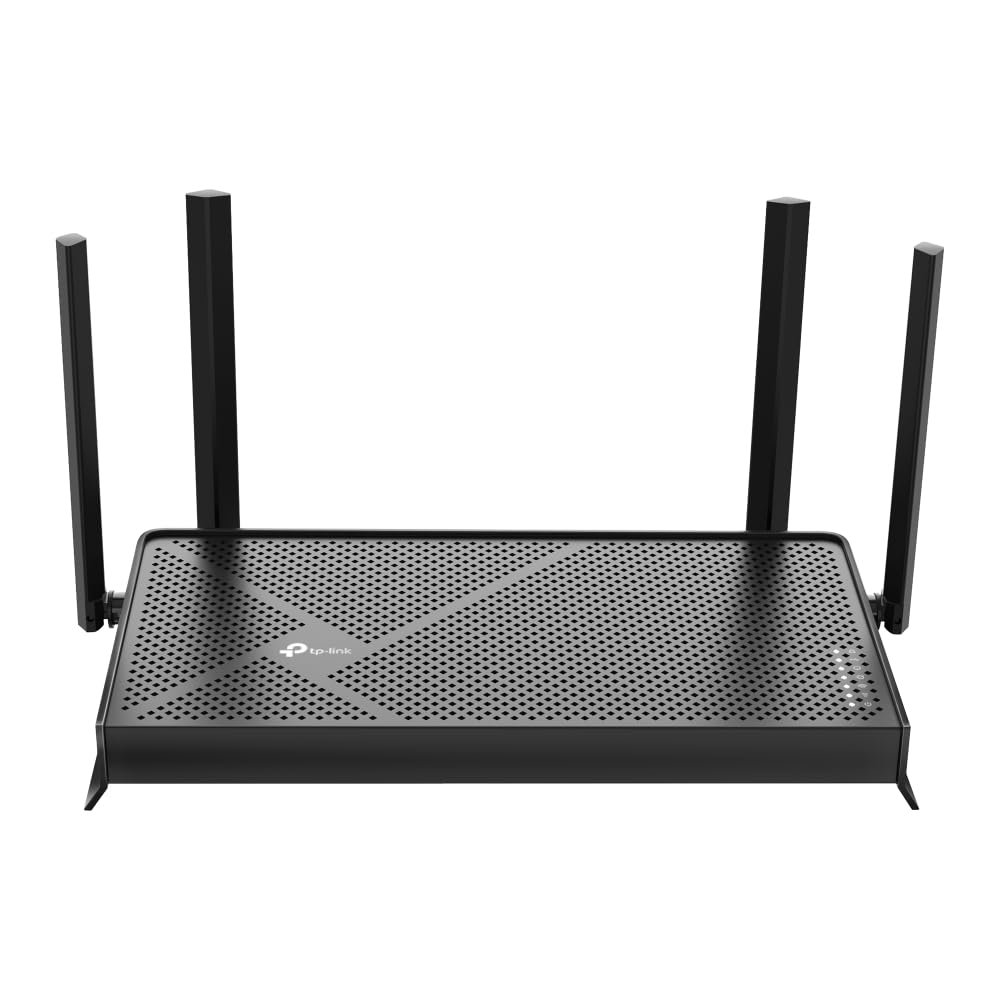
Read Amazon ReviewsTP-Link Archer BE230
Choose the Archer BE230 if Wi-Fi 7 features and two 2.5G ports suit your setup; choose the Archer AXE75 if you want tri-band Wi-Fi 6E and its 6 GHz band.
- The Archer BE230 uses Wi-Fi 7 with Multi-Link Operation and has two 2.5G ports, but it is dual-band and does not support 6 GHz.
- The Archer AXE75 provides three bands, including 6 GHz, with Wi-Fi 6E.
Computer Routers alternative
500+ ratings
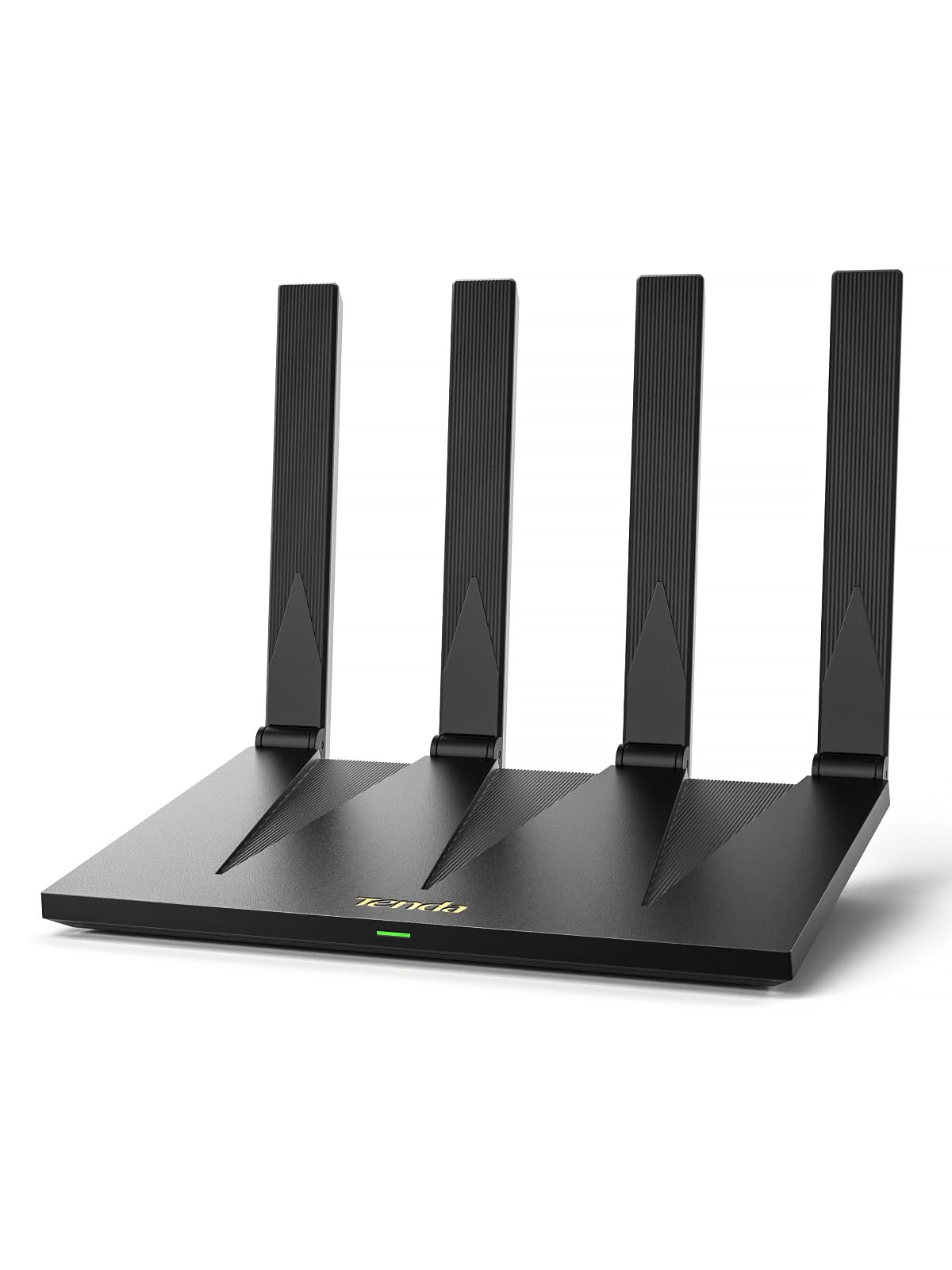
Read Amazon ReviewsTenda RX12 Pro V3.0
Choose the Tenda if dual-band Wi-Fi 6 and four full Gigabit ports suit your needs; choose the Archer AXE75 if tri-band connectivity and access to 6 GHz are priorities.
- The Tenda RX12 Pro V3.0 is a dual-band Wi-Fi 6 router with up to 2402Mbps on 5GHz and 574Mbps on 2.4GHz, plus four full Gigabit ports.
- The Archer AXE75 offers tri-band Wi-Fi 6E with a 6 GHz band alongside 5 GHz and 2.4 GHz.
Is Archer AXE75 Worth It?
The TP-Link Archer AXE75 is worth considering if you want a tri-band Wi-Fi 6E router with a 6 GHz band, OFDMA capacity features, OneMesh expansion, and VPN options.
Its mix of wireless bands and network tools gives it a clear role for connected households that can use those features.
Plan on a separate modem for most providers, and check whether the 2.5Gbps WAN port fits your wired setup. Its Wi-Fi 6E tri-band design includes a 6GHz band for gaming and video chatting.
Your review at a glance
5,000+ ratings
Read Amazon ReviewsTP-Link Archer AXE75
A tri-band Wi-Fi 6E router for households that want a 6 GHz band, VPN options, and OneMesh expansion, with a modem required for most providers.
- Tri-band Wi-Fi 6E with 6 GHz, 5 GHz, and 2.4 GHz bands.
- Advertised Wi-Fi rates are up to 5400 Mbps total: 2402 Mbps on 6 GHz, 2402 Mbps on 5 GHz, and 574 Mbps on 2.4 GHz.
- OFDMA and tri-band operation are intended to increase capacity for simultaneous device transmissions.
- OneMesh support works with a TP-Link OneMesh extender to create a mesh network.